Choose a direction
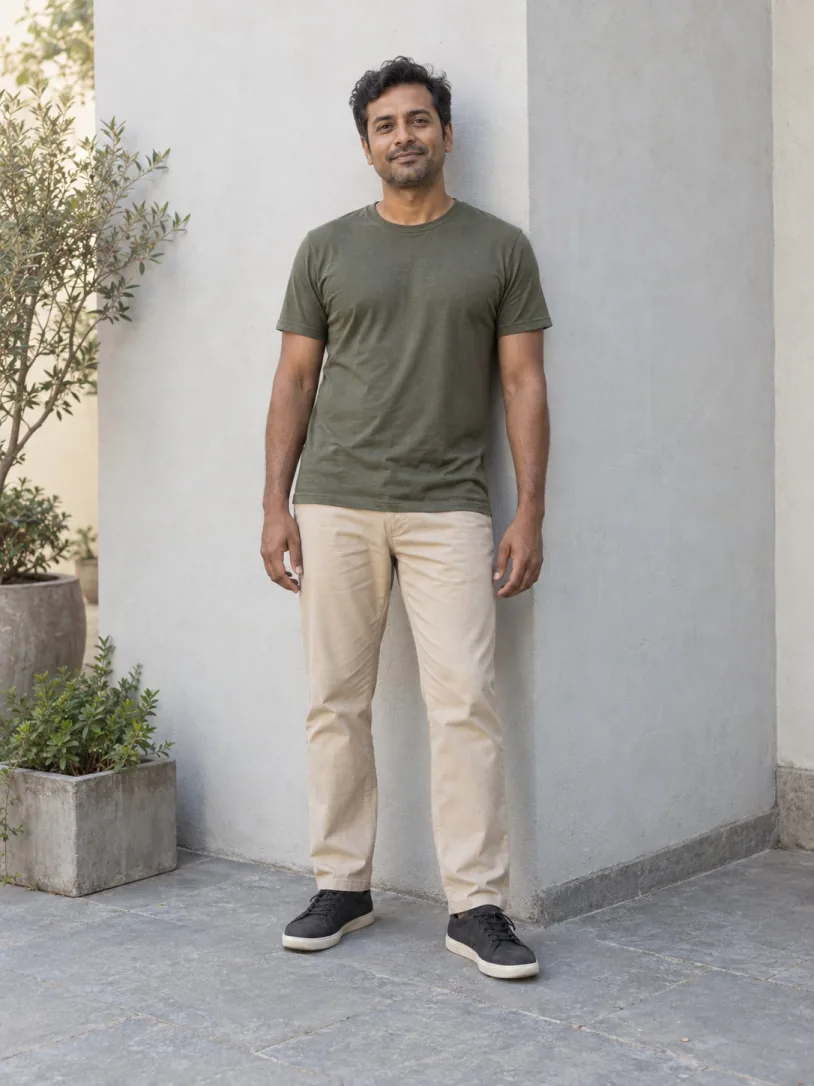
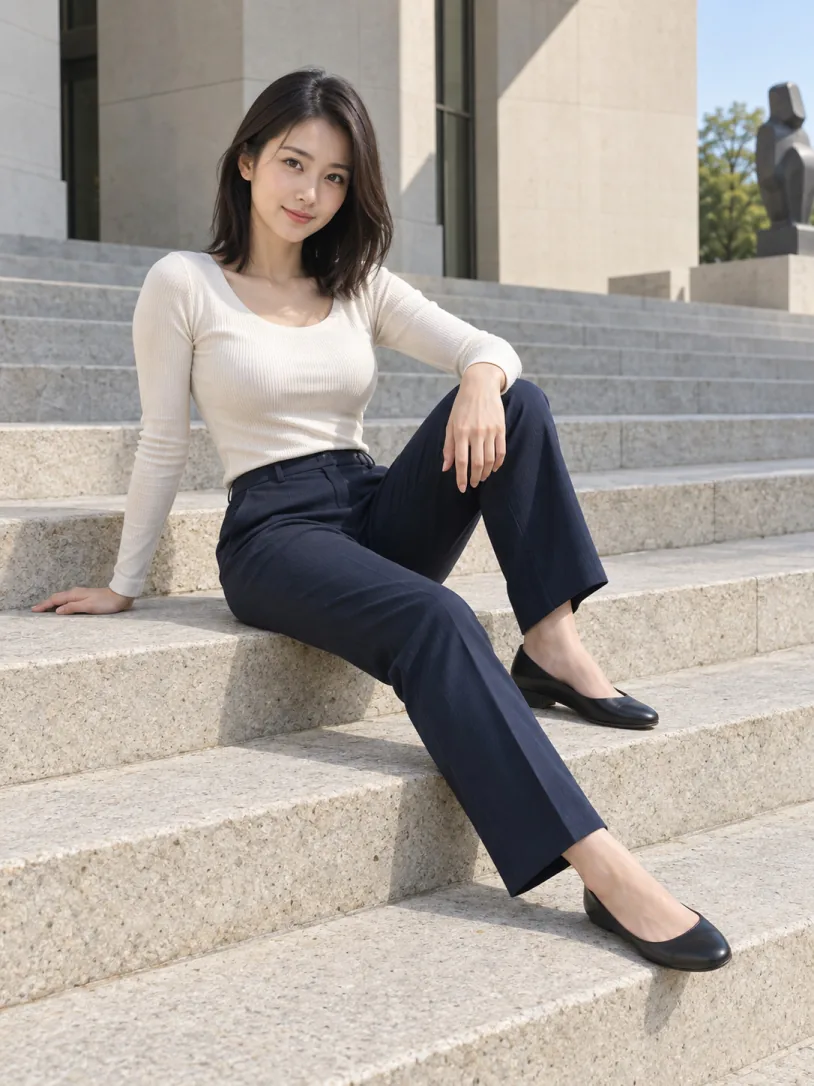
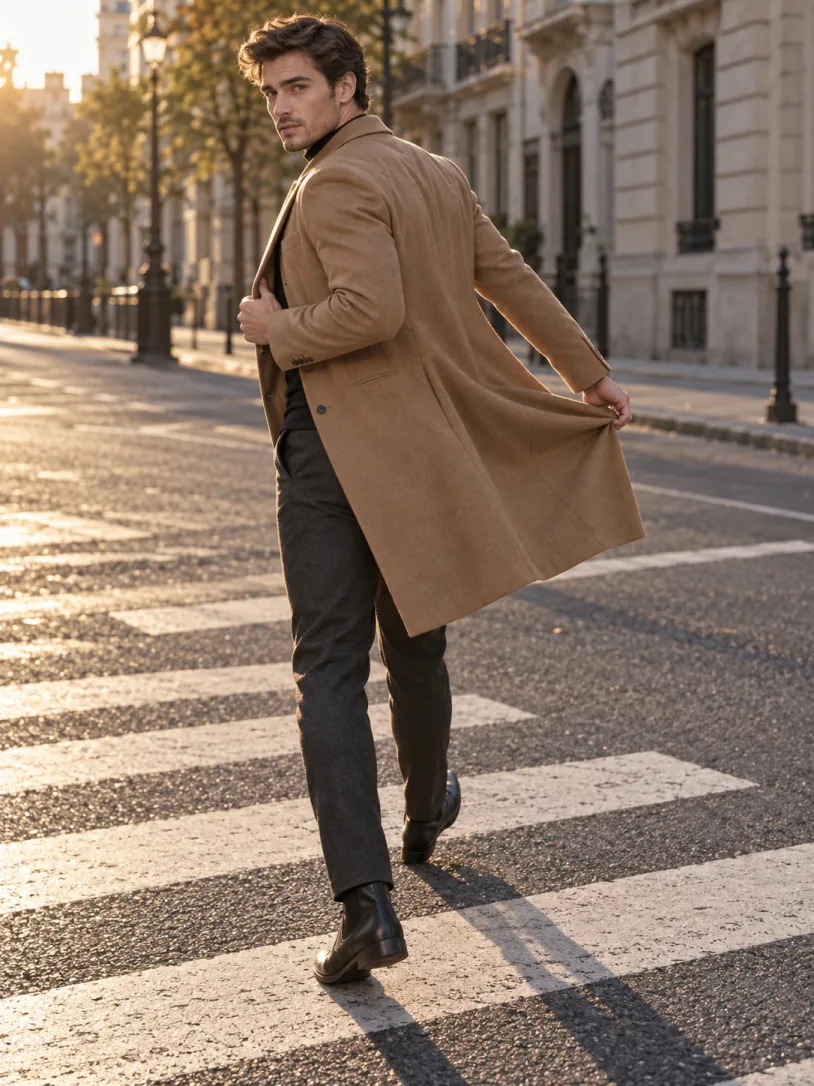
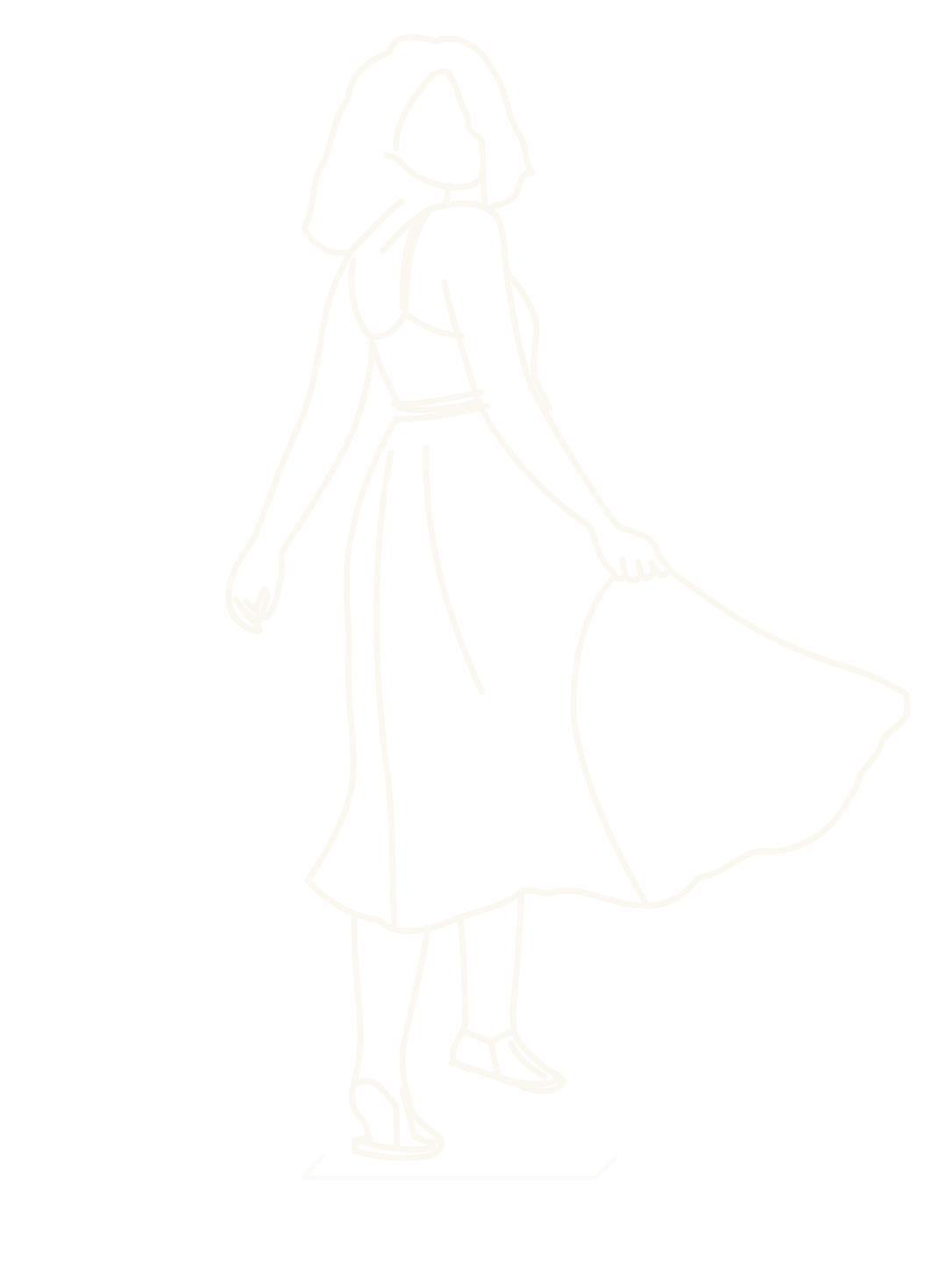
Browse standing, sitting, walking, and crouching poses—or open a complete themed collection.
 PoseDuo
Pose guidance, kept simple
PoseDuo brings reference poses and adjustable outlines into your iPhone camera, so direction becomes visible and the saved photo stays clean.
The guide helps you frame the shot. It is never added to the saved photo.
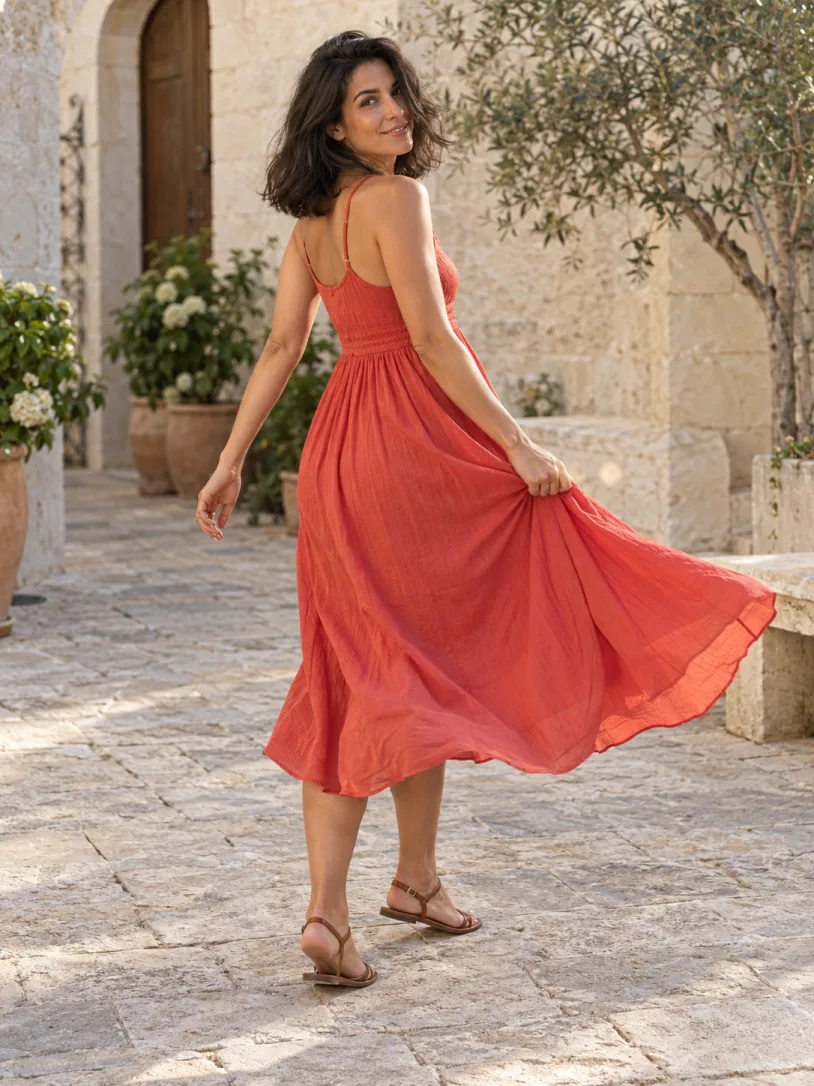
3:4 LIVE GUIDE
POSE · FRAME · KEEP
203 POSES · 10 COLLECTIONS
01One frame at a time
Browse standing, sitting, walking, and crouching poses—or open a complete themed collection.
Move, resize, mirror, or soften the guide until it fits the person and the scene.
Keep the composition you built. The outline and controls stay out of the saved image.
02A pose library with context
Filter by movement, scene, and reference model. Save favorites, return to recent poses, and move from the idea to the camera without losing your place.
Explore free poses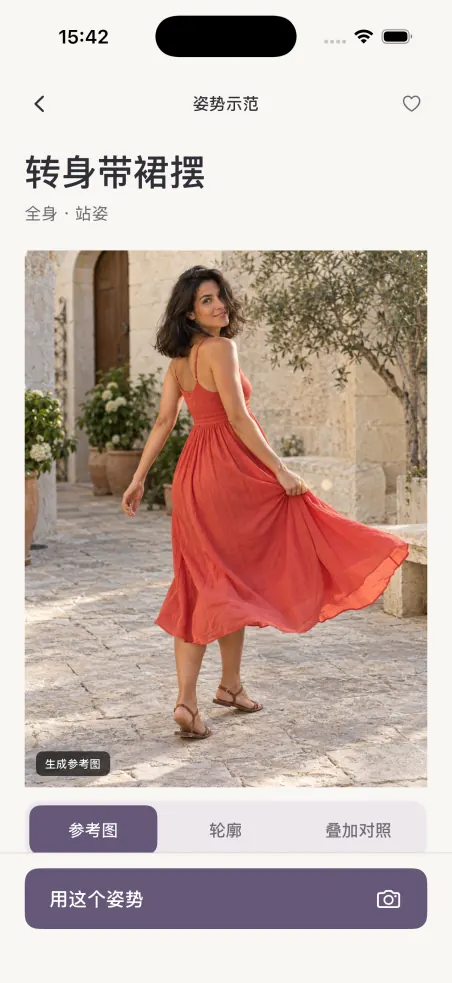


03Bring your own inspiration
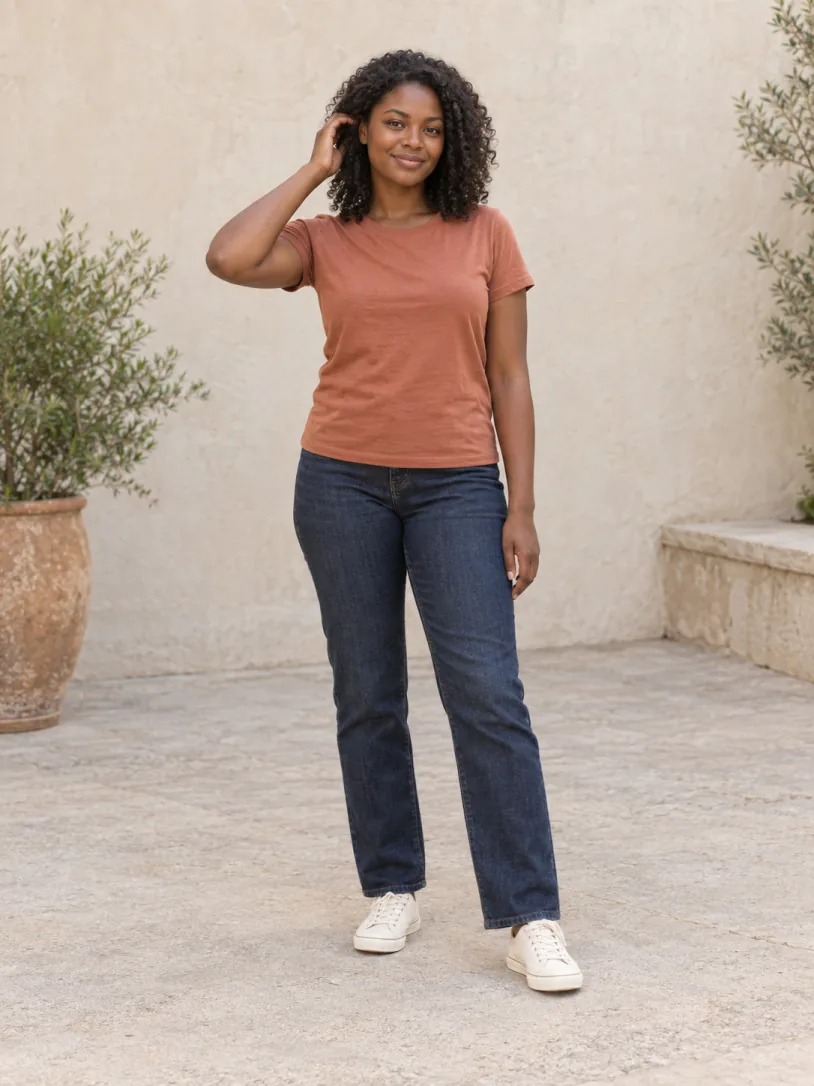
Choose a photo of one adult, adjust the crop, and create a person sticker and outline on your device. Review the result before it reaches My Poses.
04Private by design
Camera frames and imported photos are processed on your device. PoseDuo does not upload them, and you do not need a PoseDuo account.
Privacy05Start free
Selected poses, one complete collection, and every camera and guide control are available for free. Pro expands the library and removes the limit on saved photo poses.
06Before the first frame
No. It is a live framing guide in the interface and is not added to the saved image.
No. Camera frames and photos used to create personal poses are processed on your device.
No PoseDuo account is required. Purchases are restored with the Apple Account used for the original purchase.
Yes. Selected individual poses, one complete collection, all camera controls, and a limited number of saved photo poses are free.
PoseDuo
PoseDuo is preparing for the App Store. The product site and support pages are being completed now.
Coming soon on the App Store